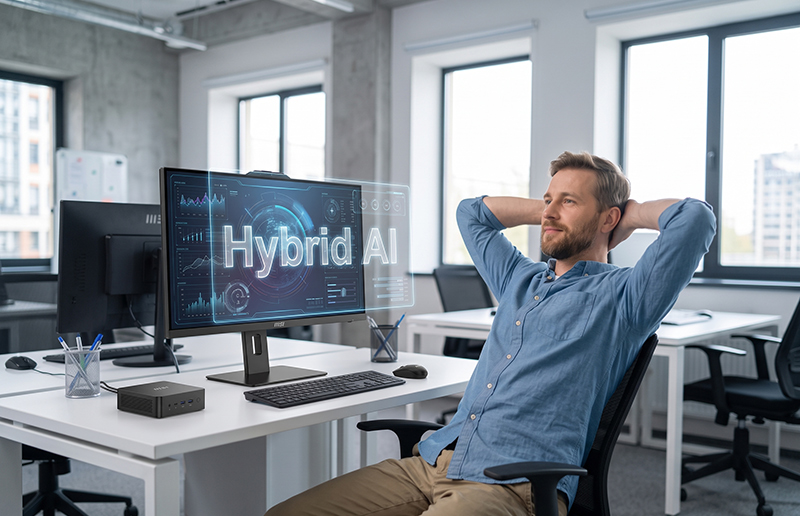
How to Choose the Perfect 27-Inch IPS Monitor for Enhanced Productivity and Entertainment
Monitors

In today’s fast-paced world, a monitor has become an indispensable tool for both work and leisure. Whether it’s for remote work, creative design, or entertainment, a high-quality screen plays a pivotal role in enhancing productivity and providing an immersive experience. Among the different types of monitors available, eye-care screens are particularly crucial. With the increasing number of hours spent in front of screens, eye strain is a common issue that can lead to discomfort and long-term health problems.
When selecting a monitor, you’ll often find yourself overwhelmed by various specifications and technical terms. However, choosing the right monitor doesn’t have to be complicated. Below is a comprehensive guide to help you choose the ideal 27-inch IPS monitor, focusing on the key features that matter the most.
How to Choose the Right 27-Inch IPS Monitor for Productivity and Entertainment
A monitor's height adjustability, refresh rate, resolution, and eye-care features are important aspects that impact both productivity and comfort. Let’s break down the most common 27-inch IPS monitors and help you decide which one suits your needs.
Height Adjustability
Height-adjustable stands are essential for ergonomic comfort. Being able to adjust the height of the screen ensures that you maintain a good posture and reduce neck strain. This feature is essential for those who spend extended hours working on their computers.
Refresh Rate
A higher refresh rate contributes to smoother visuals and reduces screen tearing, especially during fast-paced activities such as gaming or video editing. If you’re working with high-resolution images or performing tasks like video editing, a higher refresh rate will make your work more efficient.
Resolution
Resolution affects the clarity and sharpness of the image displayed. Full HD (1920x1080) is suitable for general tasks, but if you work with detailed visuals, a higher resolution like QHD (2560x1440) or 4K (3840x2160) will provide more screen real estate and finer details.
Eye-Care Features
Many modern monitors feature technologies to protect your eyes from strain, such as blue light filters and flicker-free screens. These technologies are beneficial if you spend long hours in front of a monitor.
Comparison of Selected 27-Inch IPS Monitors:
Model
Adjustable Stand
Resolution
Refresh Rate
Purchase Link
By assessing these specifications and determining your priorities (whether it's high-resolution clarity or ergonomic comfort), you can confidently choose a monitor that meets both your productivity and entertainment needs.
We hope this guide has helped simplify your decision-making process, and we wish you the best of luck in finding the monitor that perfectly fits your requirements. Happy shopping!